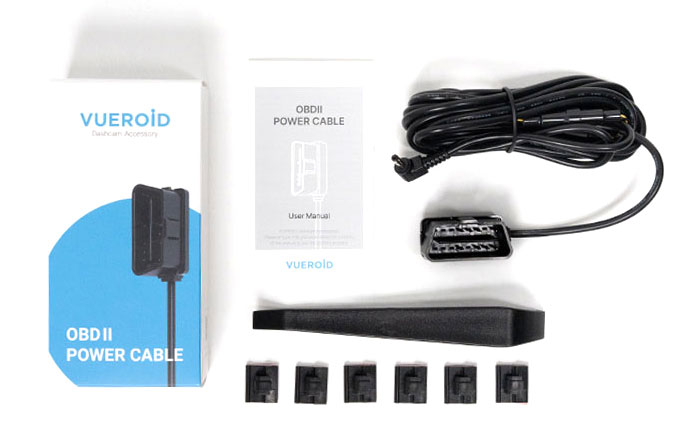
OBD II Power Cable
Original price was: $22.99.$21.00Current price is: $21.00. 9%

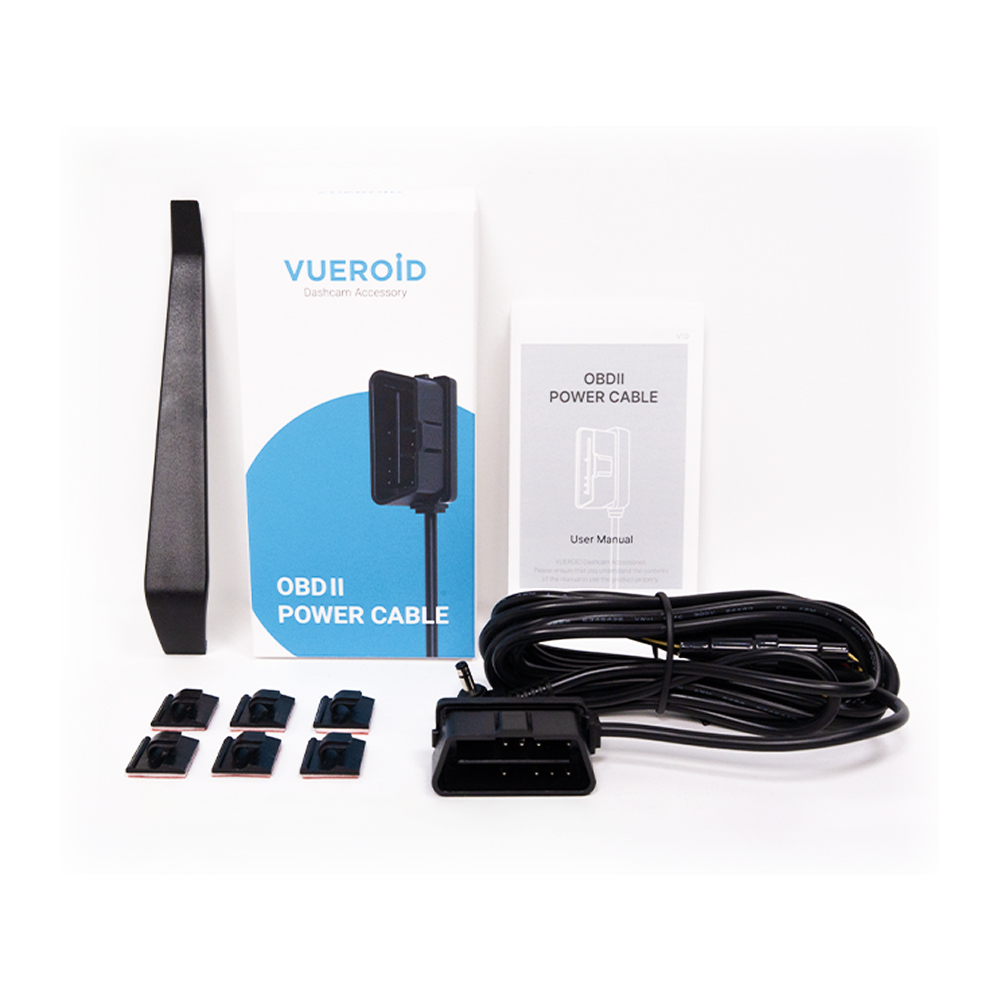
VUEROID OBD-II Power Cable for Dash Cam, 24/7 Parking Mode, Low Voltage Protection
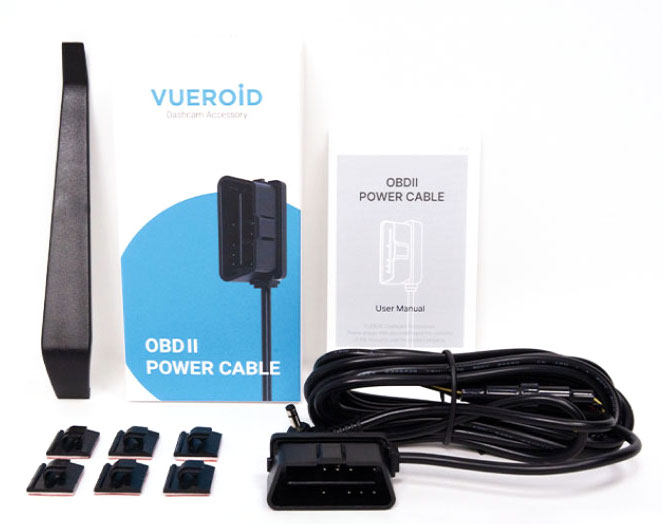
 OBD Ⅱ Power Cable For Dash Cam
Activate dash cam instantly with our plug-and-play installation
※Works with most vehicles manufactured after 2000
※For vehicles equipped with an OBD2 standard port only
(Not compatible with Tesla)
Extreme Low Power Mode
Impact / Motion / Timelapse Mode
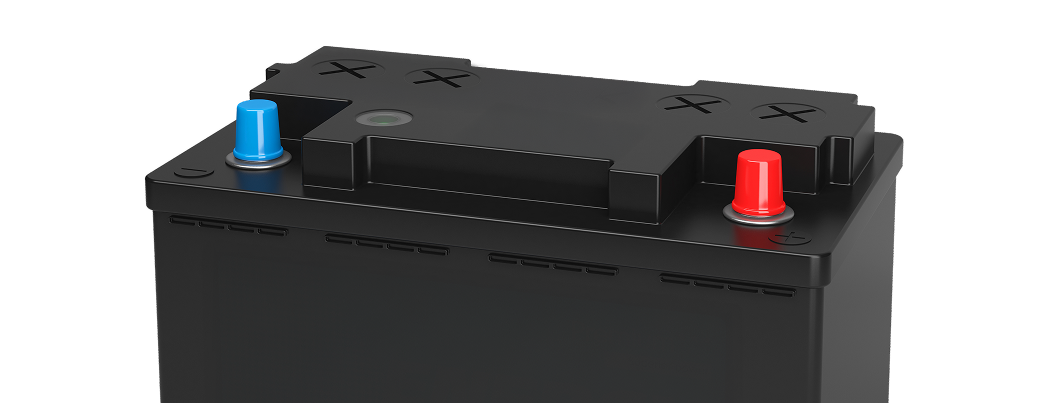
The dashcam power automatically shuts off when the voltage drops below the set level or after a certain period of time.
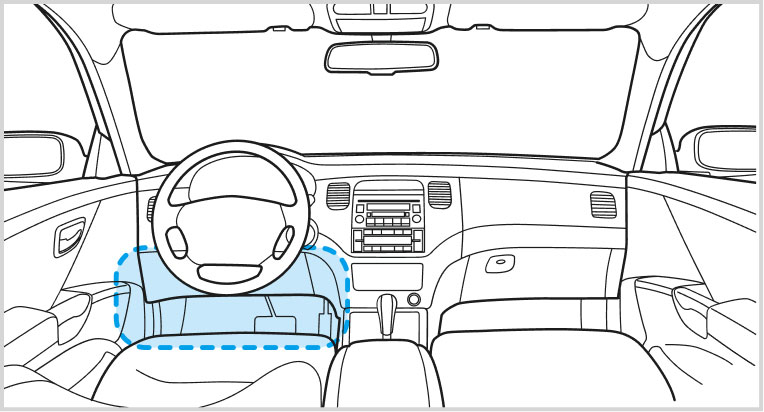
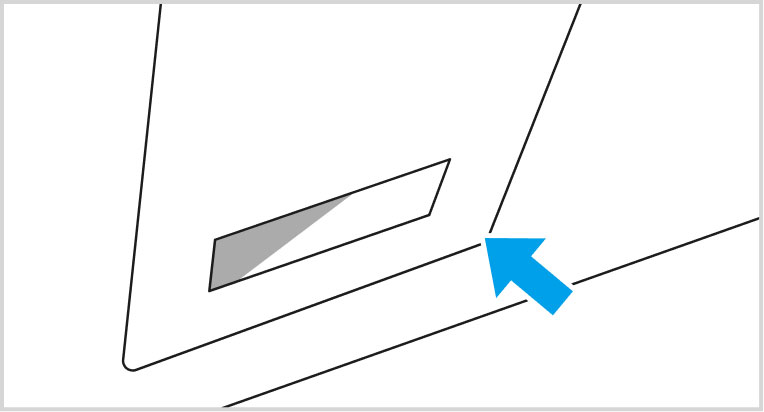
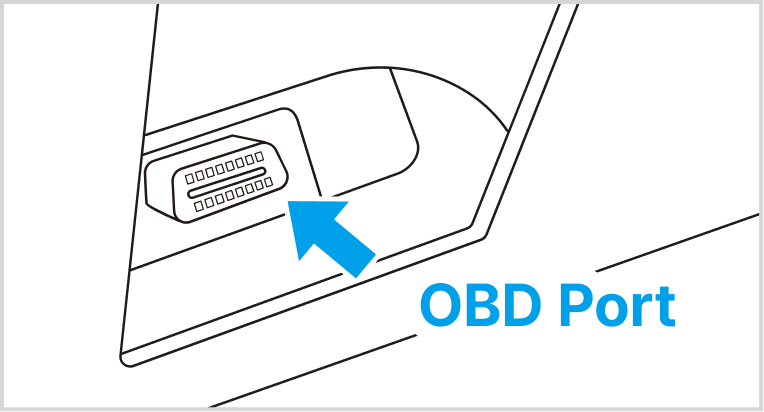
※ Note: The location of the OBDII port may vary depending on the vehicle model.
For the exact location, refer to the vehicle’s manual or consult the vehicle manufacturer.
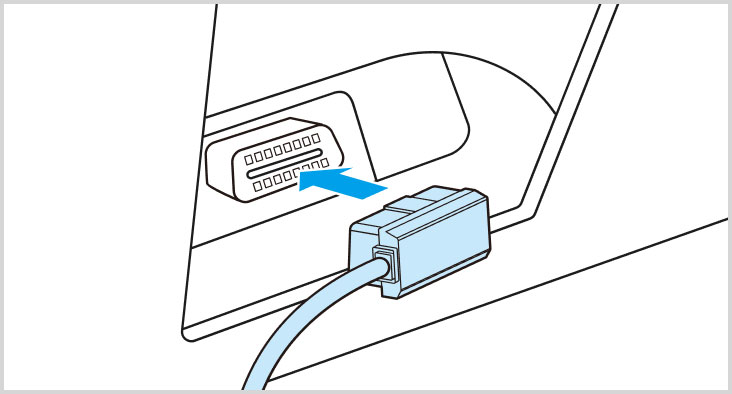
1Plug the OBD cable
into the port
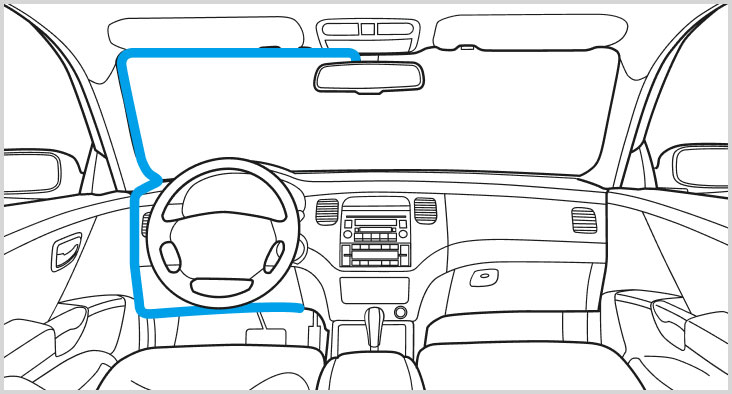
2Hide the wire
behind body panels
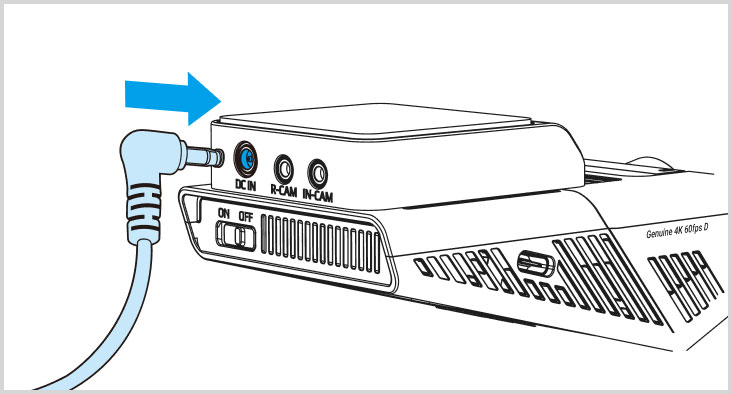
3Connect with
the dash cam
1 OBD Cable, 1 Trim tool, 6 Cable clips, 1 Manual