

D10-F2W 2CH
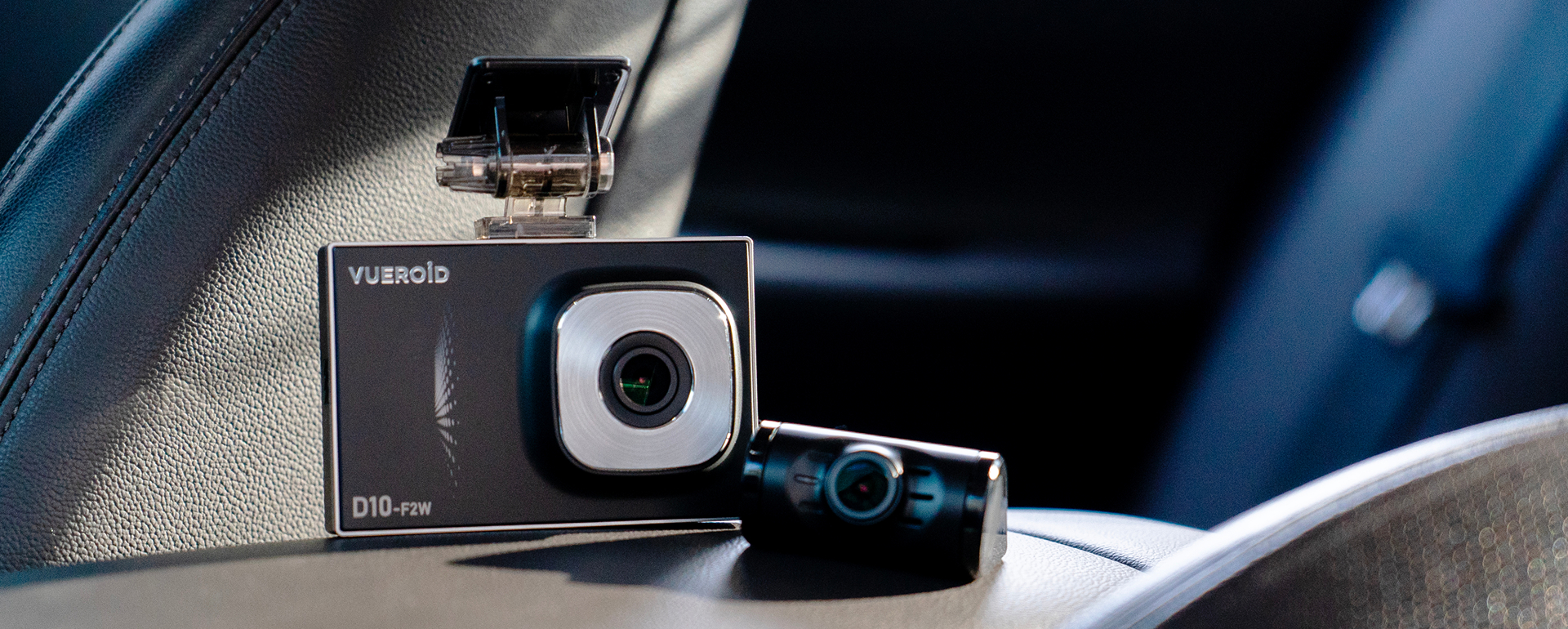
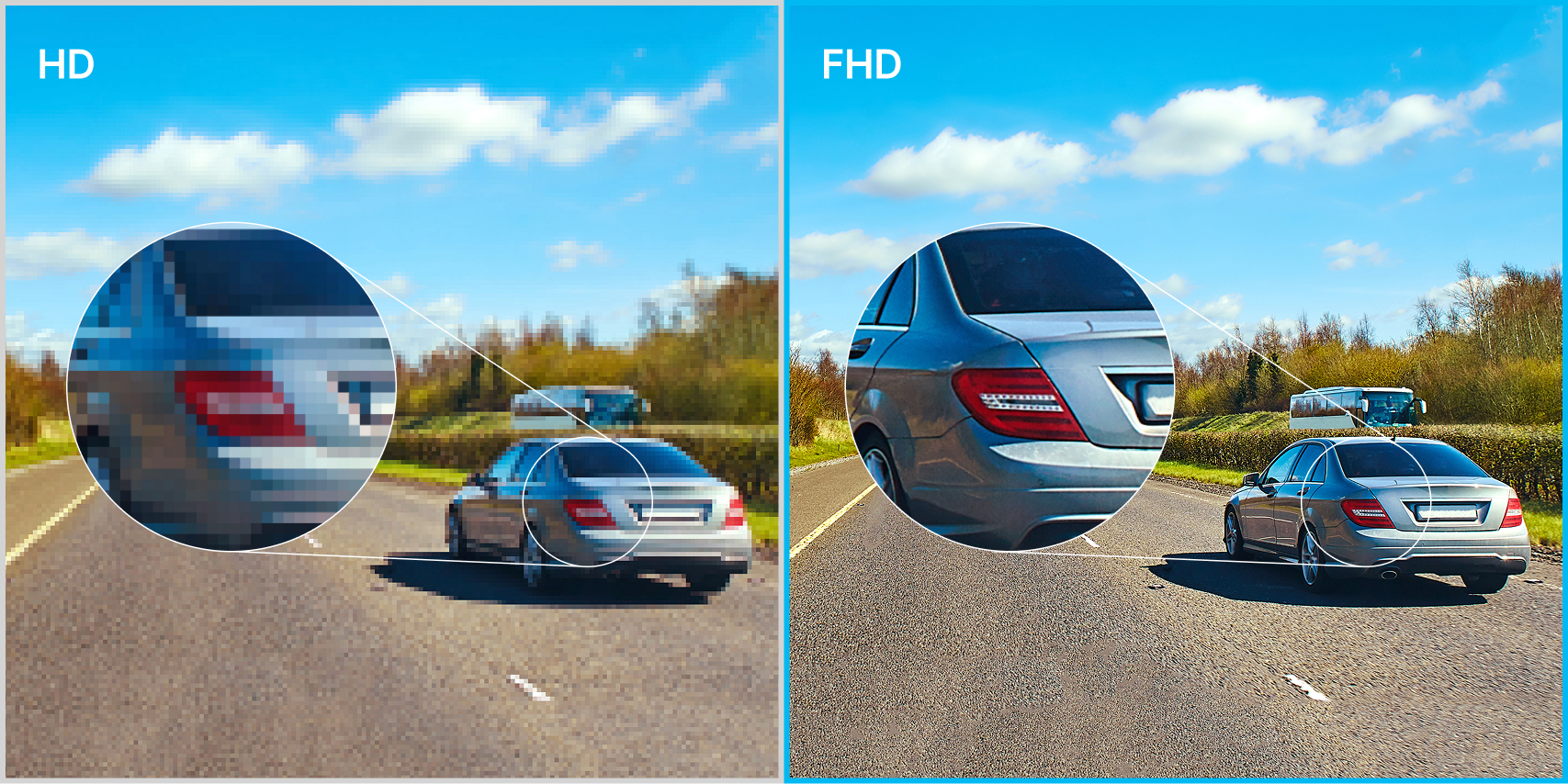
True Clarity with Dual FHD.
D10-F2W comprises both front and rear FHD cameras, with outstanding video clarity under all circumstances.
Maximized Visibility.
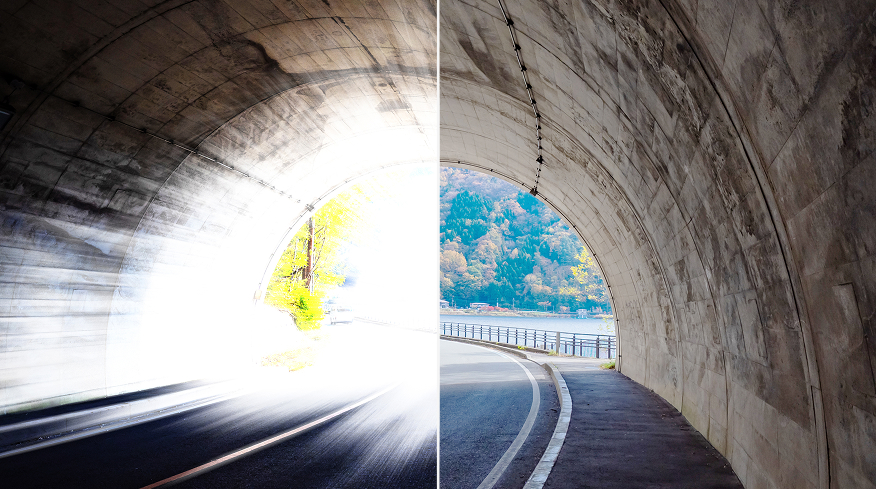
HDR
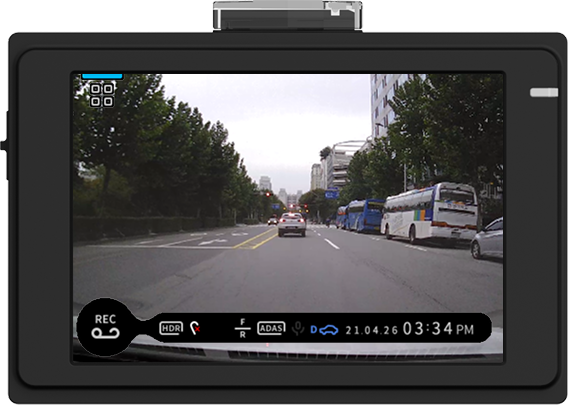
VUEROID HDR Technology is integrated to eliminate light blurring while driving at day and night, producing clear and vivid recordings even in challenging lighting conditions such as backlighting and in tunnels.
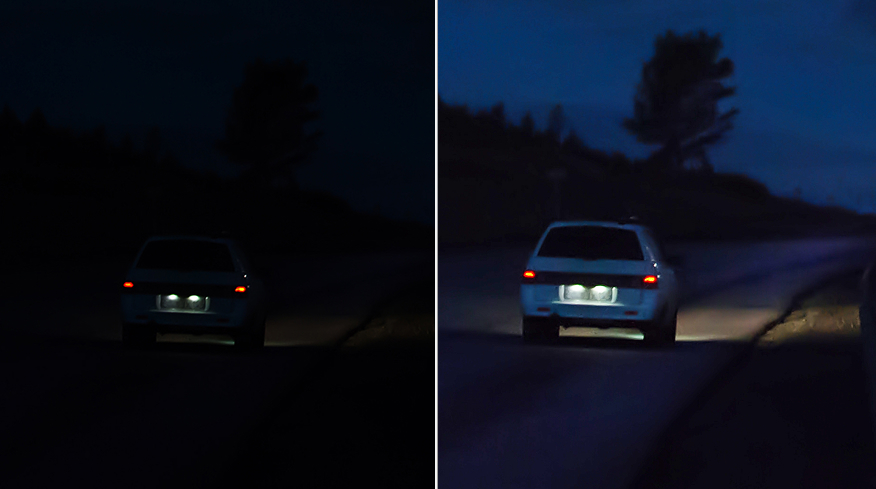
Night Vision
NIGHT VISION automatically diagnoses the surrounding brightness. If illumination is too low, it adjusts brigtness for optimal video quality.
Easy to Use. Easy to Check.
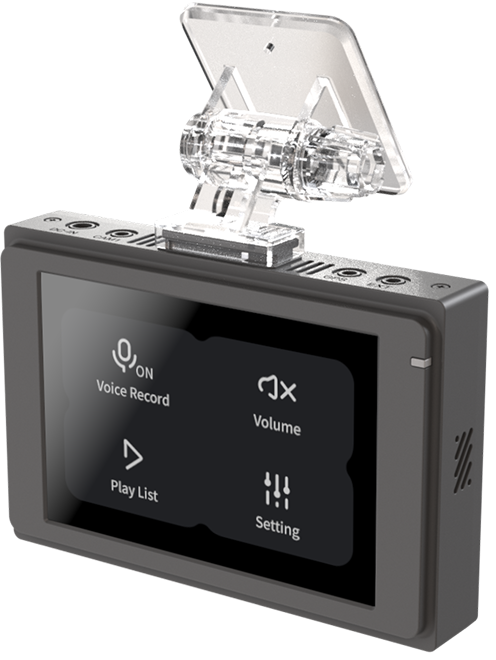
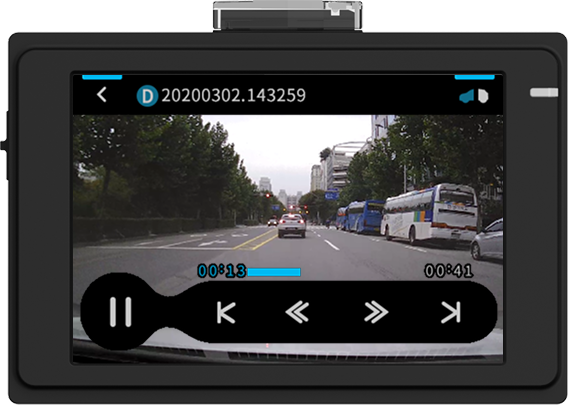
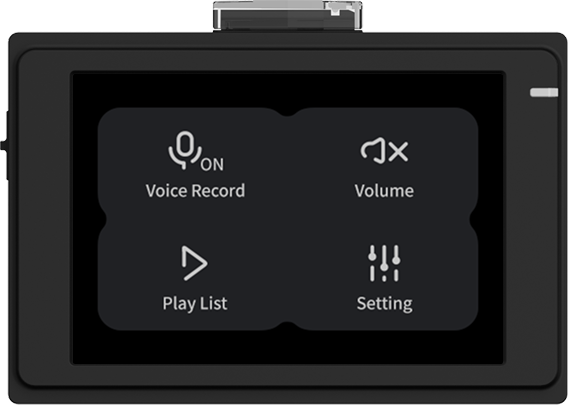
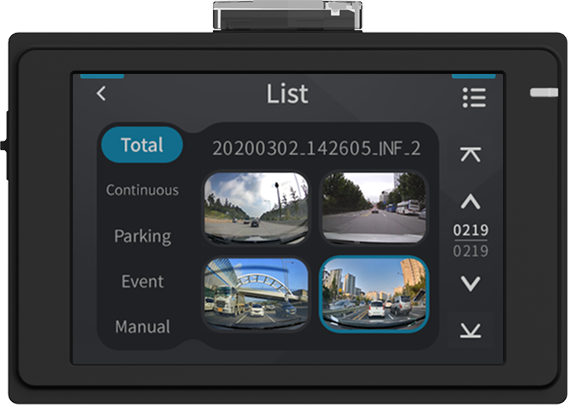
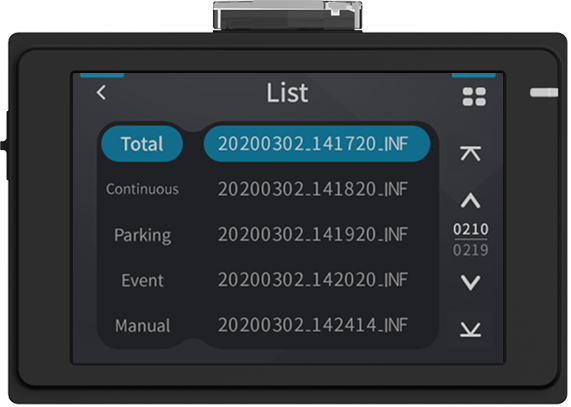
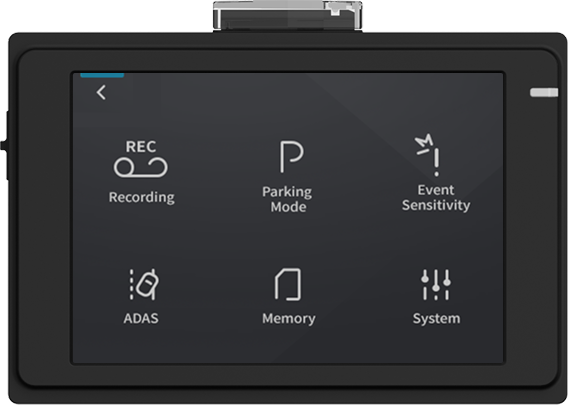
3.5″ LCD allows you to adjust settings,
and play back videos immediately on the spot.

+
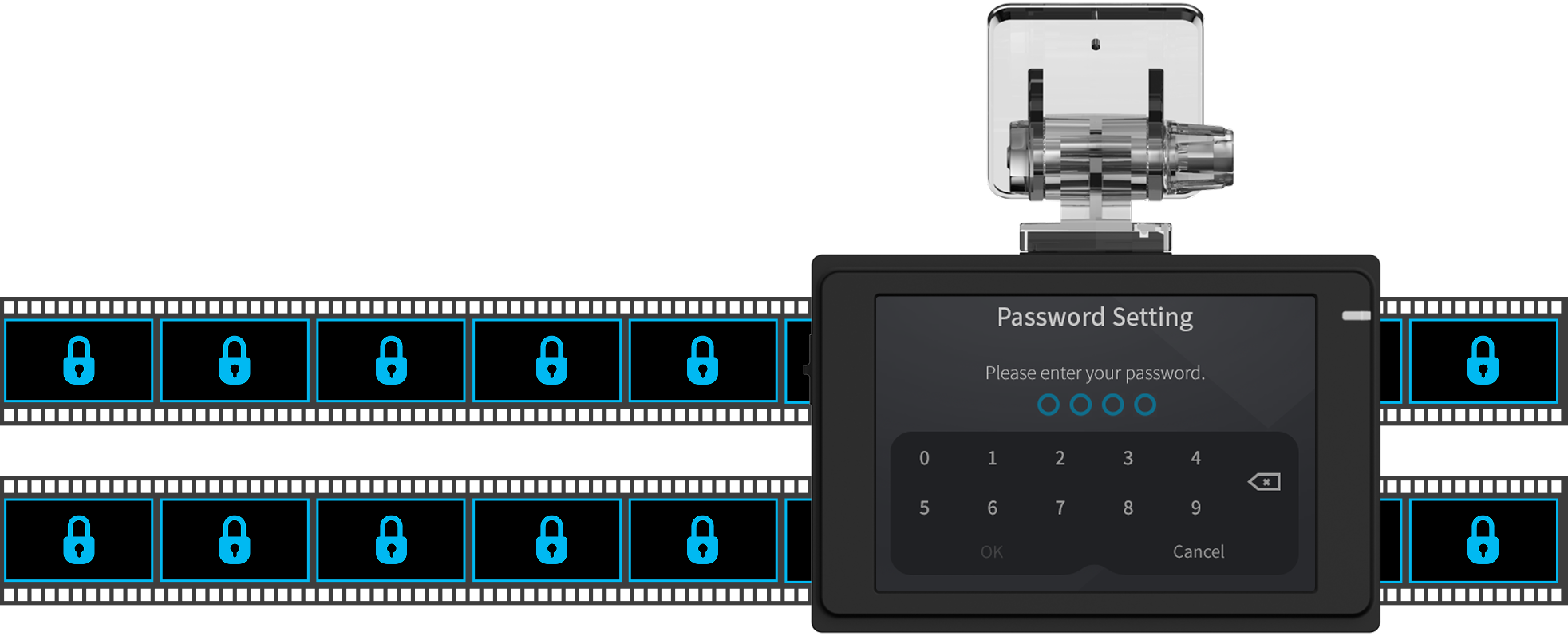
Lock Your Screen. Secure Your Footage.
By setting a password, you can prevent the tampering and deletion of videos containing important information in the event of an accident.
The Peace ofParking Mode.
Parking Surveillance mode is automatically activated when you turn off the ignition and captures footage when a motion is detected or sudden shakes or collisions are detected by a built-in G-sensor.



Protect Your Device & Vehicle Battery.
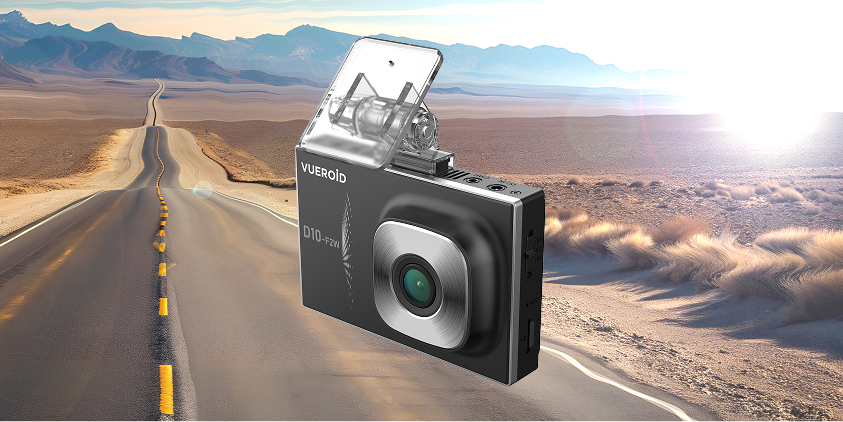
High Temperature Protection
It is designed to secure your dashcam and stored footage from high temperatures. When the vehicle’s temperature rises, the dashcam automatically powers off to prevent overheating.
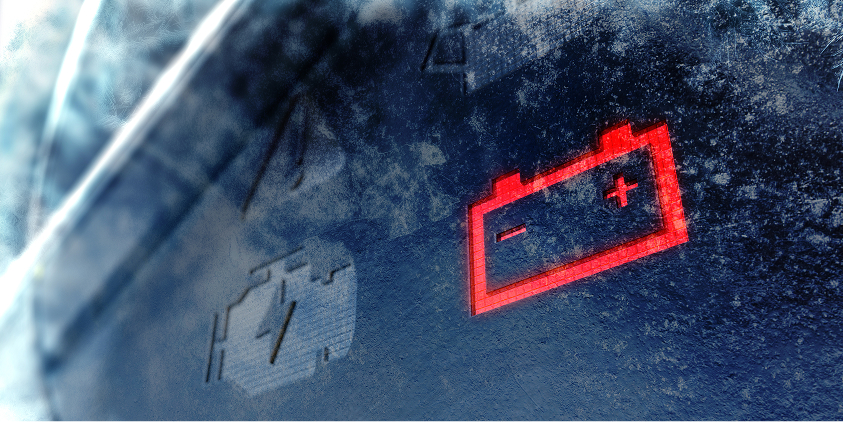
Vehicle Battery Protection
When the battery voltage falls below the preset voltage, the power of dashcam is automatically cut off to protect the battery.
Can’t leave out the Detail.

Format
Free
Video files are stored and overwritten in an optimized sequence, efficiently extending the memory card’s lifespan and eliminating the need for storage maintenance.

Tracking Driving
History
Enabling tracking of your driving history through detailed location, speed, and time data of your vehicle on the Vueroid App or PC Viewer.

Software
Updates
With the VUEROID app, software updates are made easy, allowing you to quickly and conveniently apply new features and improvements to your dashcam.

Analyze
Event Footage
You can play videos using the dedicated PC viewer and adjust the playback speed to examine important scenes closely. You can also check your vehicle’s Value of Driving Speed, G-sensor data, and Location History on the map.
What’s in the Box.
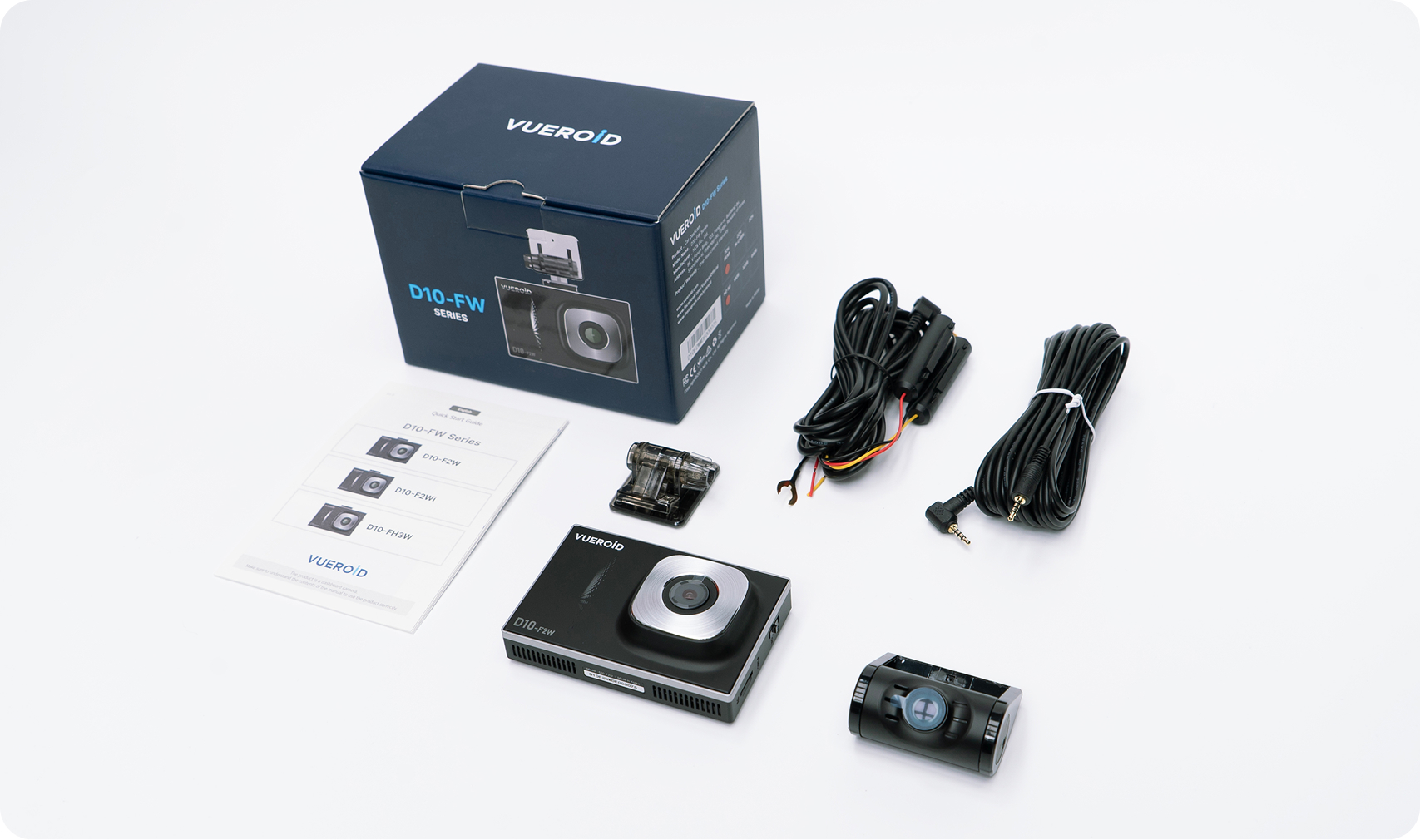
Front Camera | Rear Camera | Hardwire Kit 3M | Rear Camera Cable 6M | Cradle 1EA | Quick Guide Manual
Specification.
| List | Specification | |
| Camera | CIS | Front - SONY Starvis (IMX307) (1,920 x 1,080 @ 30fps) Rear - SONY Starvis (IMX307) (1,920 x 1,080 @ 30fps) |
| View Angle | Front - (D)145.2° x (H)117° x (V)59.5° Rear - (D)128° x (H)105.7° x (V)55.2° |
|
| LCD | 3.5” LCD / Resistive Touch (480 x 320) | |
| Memory Card | Micro SD Card ( 16GB / 32GB / 64GB / 128GB / 256GB ) | |
| GPS | External Antenna (Optional) | |
| Wi-Fi | Dongle & Cable (Optional) | |
| LED Indicators | Rear - Security LED | |
| G-Sensor | 3-Axis Acceleration Sensor, +2g / -2g | |
| Speaker | Built-in Speaker (Voice Guide) | |
| Microphone | Built-in Microphone | |
| Recording Mode | Normal / Event / Manual / Parking (Motion & Time Lapse) | |
| Dimensions | Front - 97.0mm(W) x 64.5mm(H) x 31.6mm(D) Rear - 52.0mm(W) x 29.0mm(H) x 42.0mm(D) In-Cabin - 47.6mm(W) x 27.0mm(H) x 33.7mm(D) |
|
| Weight | Front - 114.5g / Rear -28.0g / In-Cabin - 52.0g | |
| Power | Input DC 12V ~ 24V | |
| Power Consumption | Max. 4.0W (12V) | |
| Operating Temp. | -20°C ~ 70°C (-4°F ~ 158°F) | |
| High Temp. Cut-off | Approximate 70°C (158°F) / Battery Discharge Prevention | |
+
FAQ
Q. How do I connect the power to Vueroid Dashcam?
You have two options available;
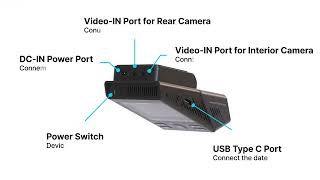
Using 12v cigar cable and connect from external cigar socket to DC-IN power port of your Vueroid dashcam.
* With cigar cable you won’t be able to use the parking mode.
Using a hardwiring cable and connect from accessories power from the fuse panel of your vehicle.
Q. Will parking mode drain my car battery?
Dashcams with a battery protection feature will shut off before your car battery reaches a critical level. Using an external dashcam battery can prevent battery drain.
USER GUIDE VIDEO
S1 4K Infinite
S1 QHD Infinite
D40-Q2
D21 4K
D21 LTE FHD
D20-Q2 Plus
D20-F2/F2E
ZERO FHD
D10-F2W
DOWNLOAD CENTER
Firmware Upgrade Guide
Firmware Update Instructions
Please do the following steps.
1
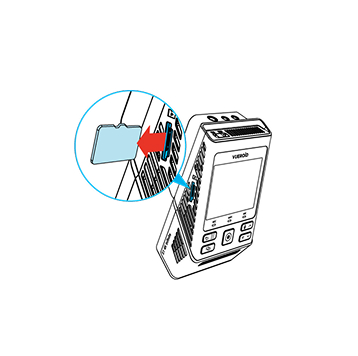
Turn off the unit and remove Micro SD Card. Insert it into your computer.

2
Download the latest firmware.
3
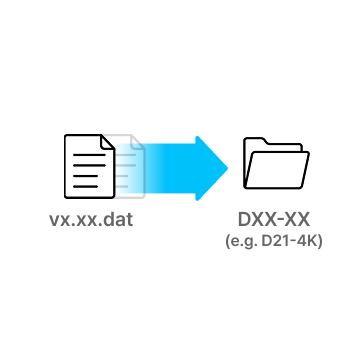
Unzip the firmware file and copy the .DAT file to the root directory of SD Card.
4
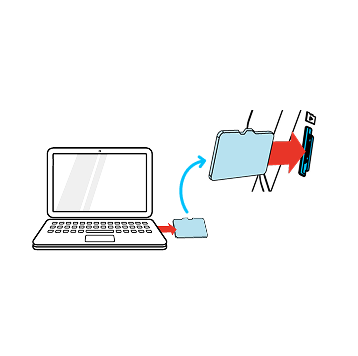
Eject Micro SD Card from computer and insert it into the device.
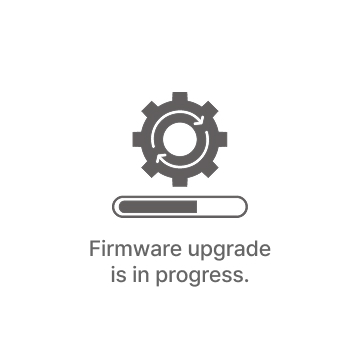
5
Turn on the device. The firmware upgrade will start automatically.
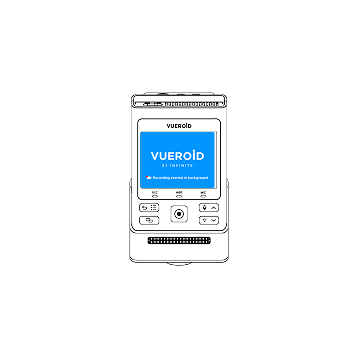
6
Once the firmware upgrade is complete, the device will automatically restart. You can then continue using the device.
*Firmware updates are available via the VUEROID HUB App and are processed automatically once the device is connected.
S1 4K Infinite
S1 QHD Infinite
D40-Q2
D21 4K
D21 LTE FHD
D20-Q2 Plus
D20-F2/F2E
ZERO FHD
D10-F2W
VUEROID APP




VUEROID VIEWER
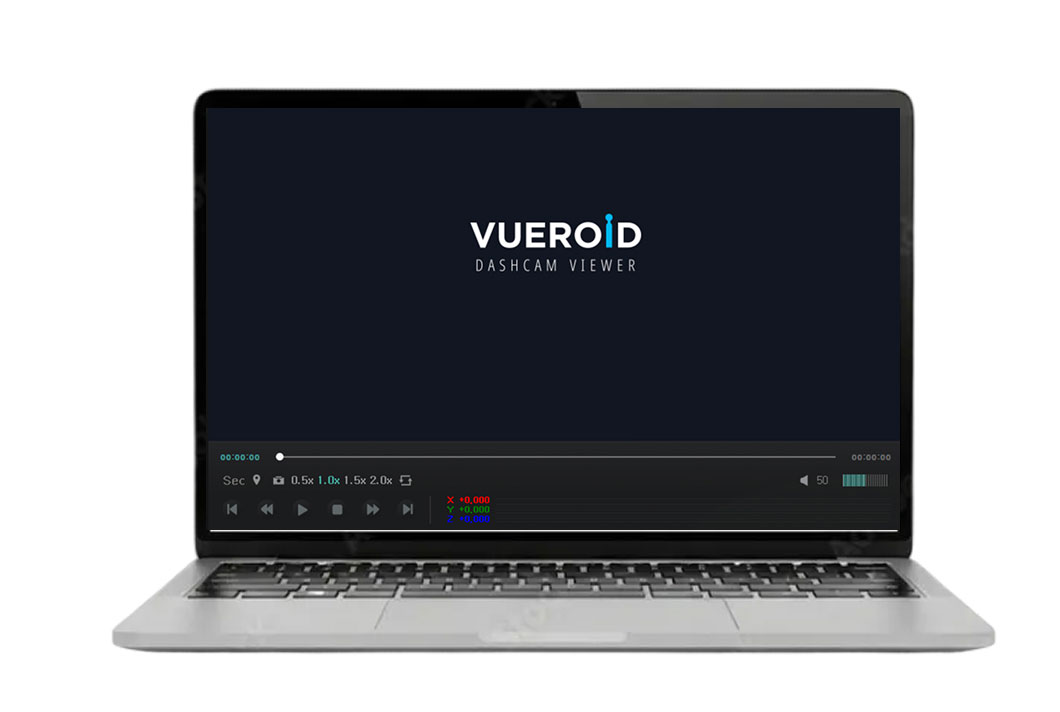
VUEROID PC Viewer 3
For S1


VUEROID PC Viewer
For D40, D21, D20, D10
Reviews
Add a review
 D10-F2W 2CH
Your review
* Review is required
Name
* Name is required
Email
* Email is required
Add photos or video to your review
* Please tick the checkbox to proceed
| 5 star | 0% | |
| 4 star | 0% | |
| 3 star | 0% | |
| 2 star | 0% | |
| 1 star | 0% |
0 of 0 reviews
Sorry, no reviews match your current selections