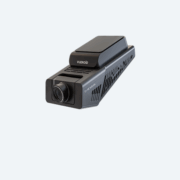
Firmware Update Instructions
Please do the following steps.
1
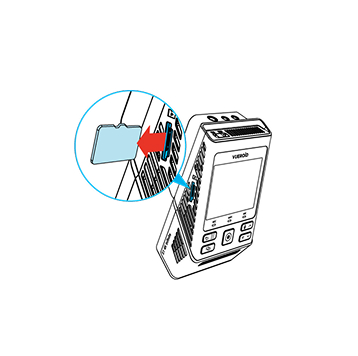
Turn off the unit and remove Micro SD Card. Insert it into your computer.

2
Download the latest firmware.
3
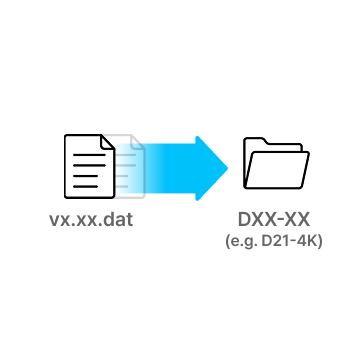
Unzip the firmware file and copy the .DAT file to the root directory of SD Card.
4
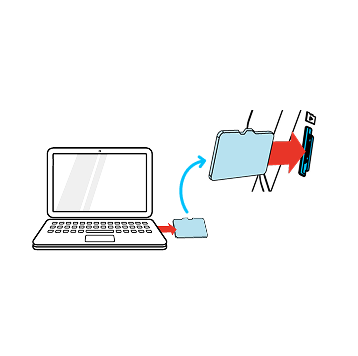
Eject Micro SD Card from computer and insert it into the device.
5
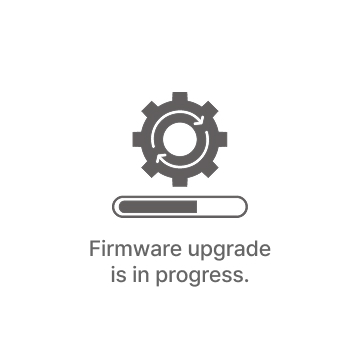
Turn on the device. The firmware upgrade will start automatically.
6
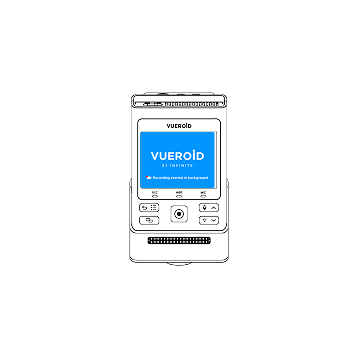
Once the firmware upgrade is complete, the device will automatically restart. You can then continue using the device.
*Firmware updates are available via the VUEROID HUB App and are processed automatically once the device is connected.