



Firmware Update Instructions
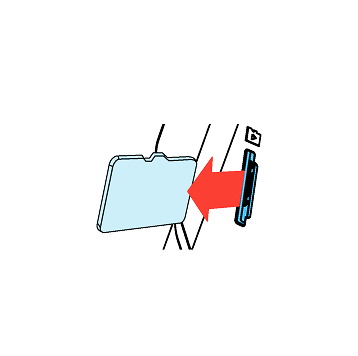
1
Turn off the unit and remove Micro SD Card. Insert it into your computer.

2
Download the latest firmware.
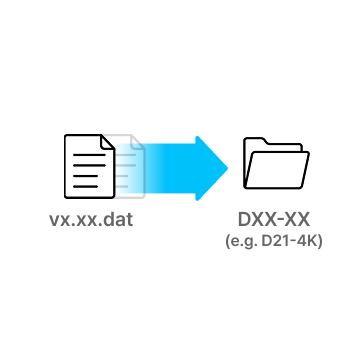
3
Unzip the firmware file and copy the .DAT file to the root directory of SD Card.
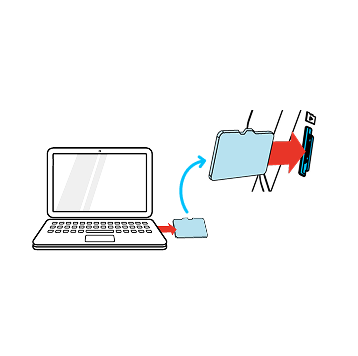
4
Eject Micro SD Card from computer and insert it into the device.
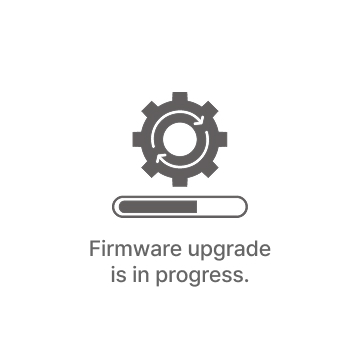
5
Turn on the device.
The firmware upgrade will start automatically.

6
Once the firmware upgrade is complete, the device will automatically restart. You can then continue using the device.
*Firmware updates are available via the VUEROID App and are processed automatically once the device is connected.
ZERO FHD – Firmware v.1.03 Update Notes
- Added Multi-Language Voice Packs
- Added Smart Low Power Mode
- Added Parking Recording Delay Mode (No Delay/ 90 Sec/ 3 Min)
- Improved HDR Timer
- Improved speaker volume level
- Added Support for Automatic SD Card Formatting
Q. -
–
The Basic, VUEROID ZERO
VUEROID Dashcam : ZERO with Night Vision
VUEROID Dashcam : ZERO with HDR (Night Footage)
Vueroid Caught ▶ Snow Day in Korea
Vueroid Caught ▶ in Singapore